Choose your ceilingEnough to look forward to.
Enough to look forward to.
Less to put off.
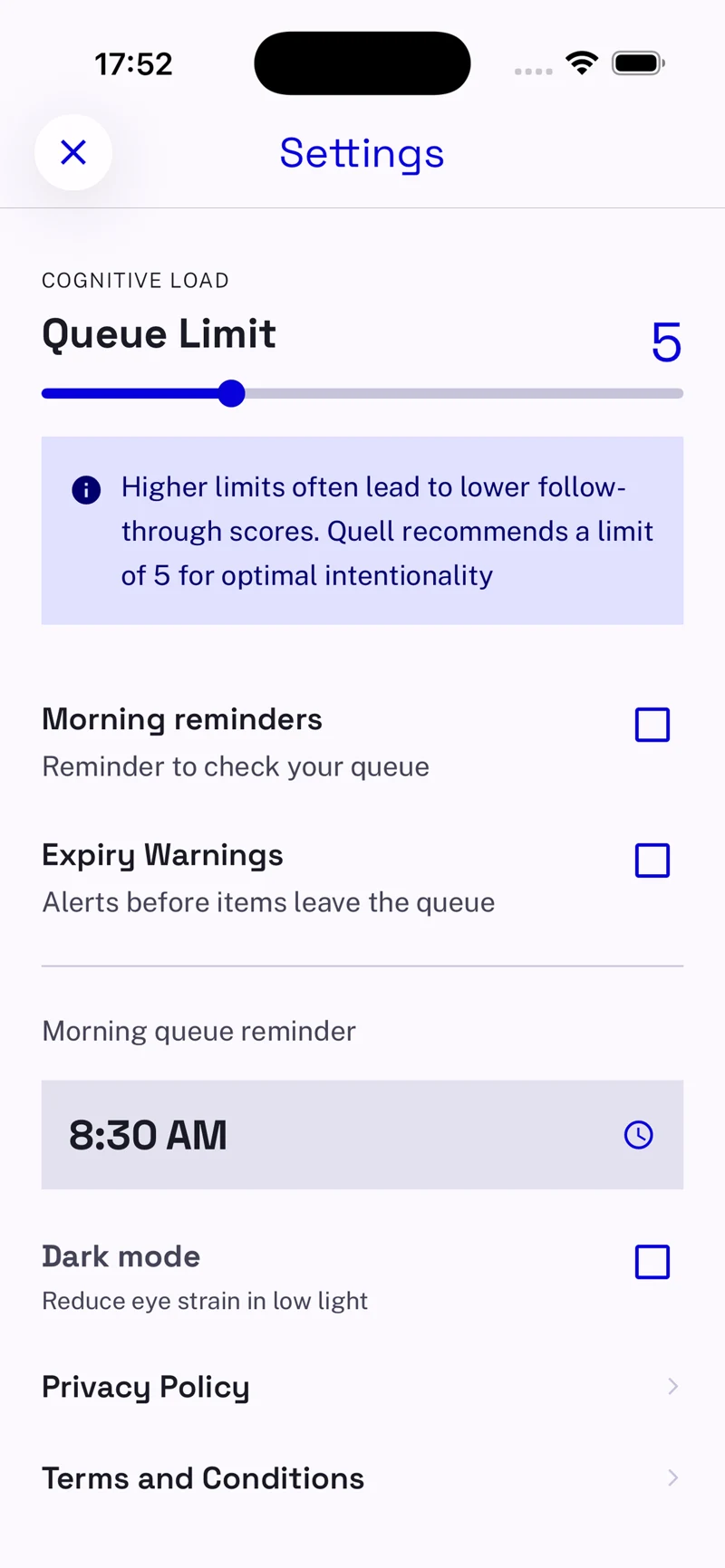
Set your limit between 3 and 10. When the queue is full, finish something or let it expire to make room.
Read what you choose
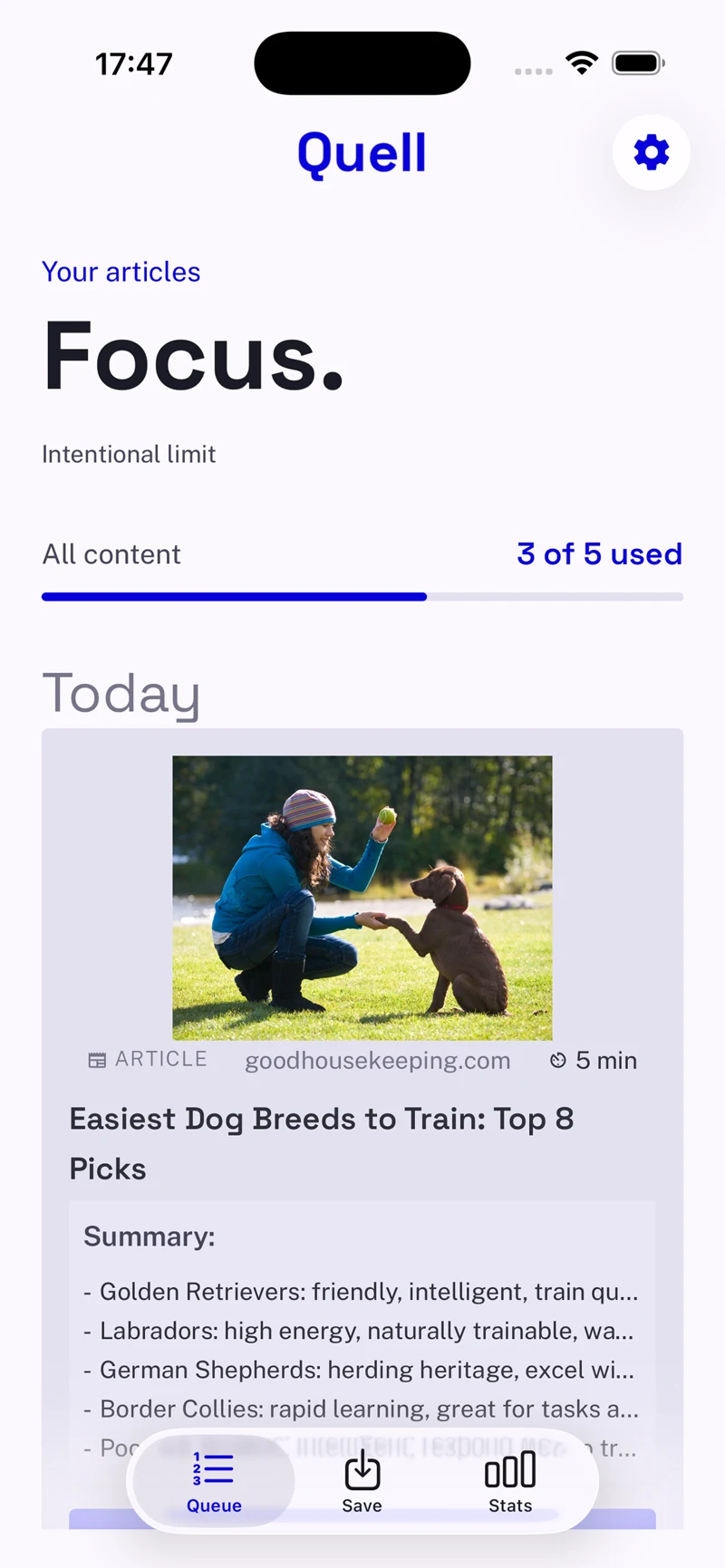
Quell deliberately limits how much you save, so every save becomes a commitment. A small queue for what matters.
Install QuellFree to download iOS & Android
items. That’s your queue.
The limit is the point.
Small by design
Save everything, and it becomes another list to avoid.
Choose a little, and it becomes something you can finish.
Set your limit between 3 and 10. When the queue is full, finish something or let it expire to make room.
Two honest choices instead of “someday”. Unfinished items expire automatically, so the queue stays clear.
A different kind of reading app
Every save asks one simple question:
will I actually read this?
From intention to done
Three small steps. A queue you can actually clear.
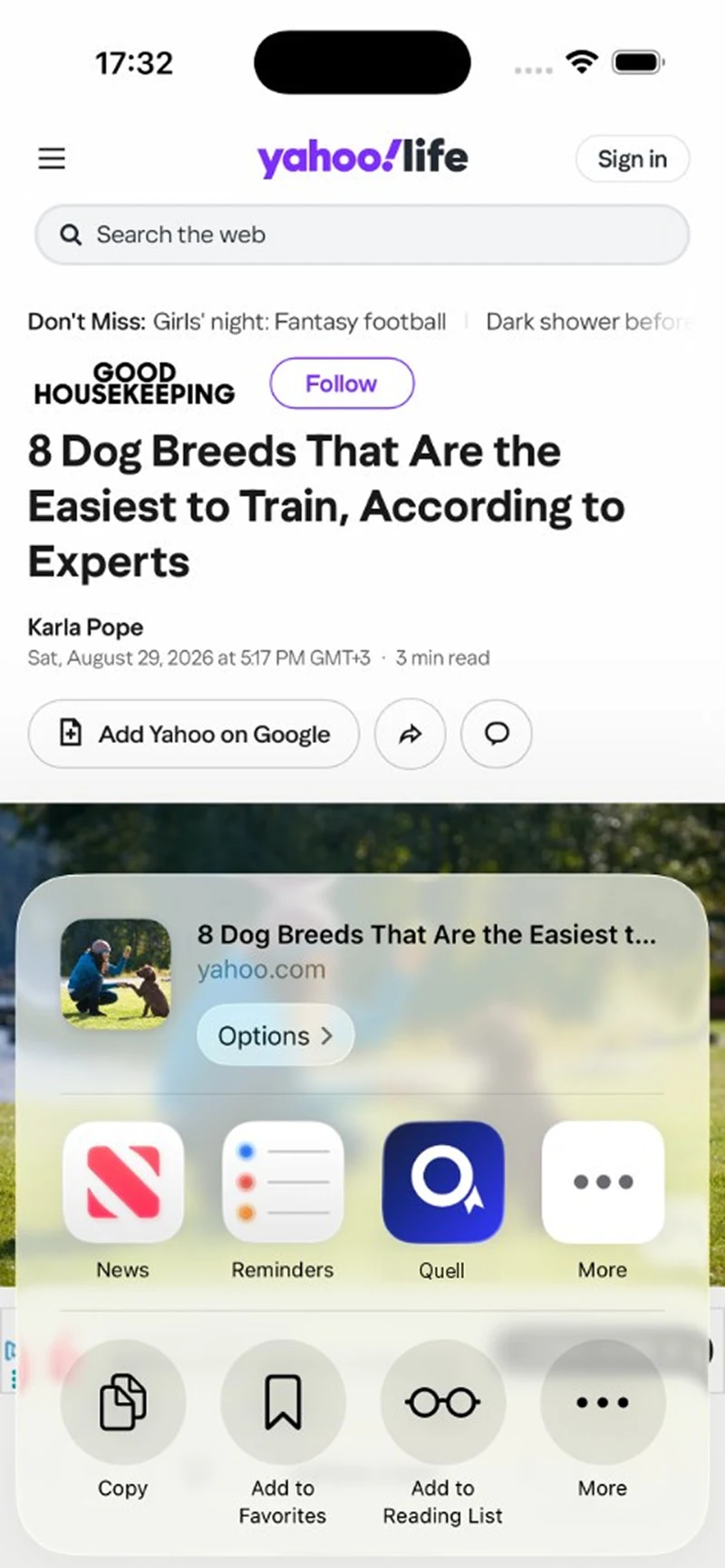
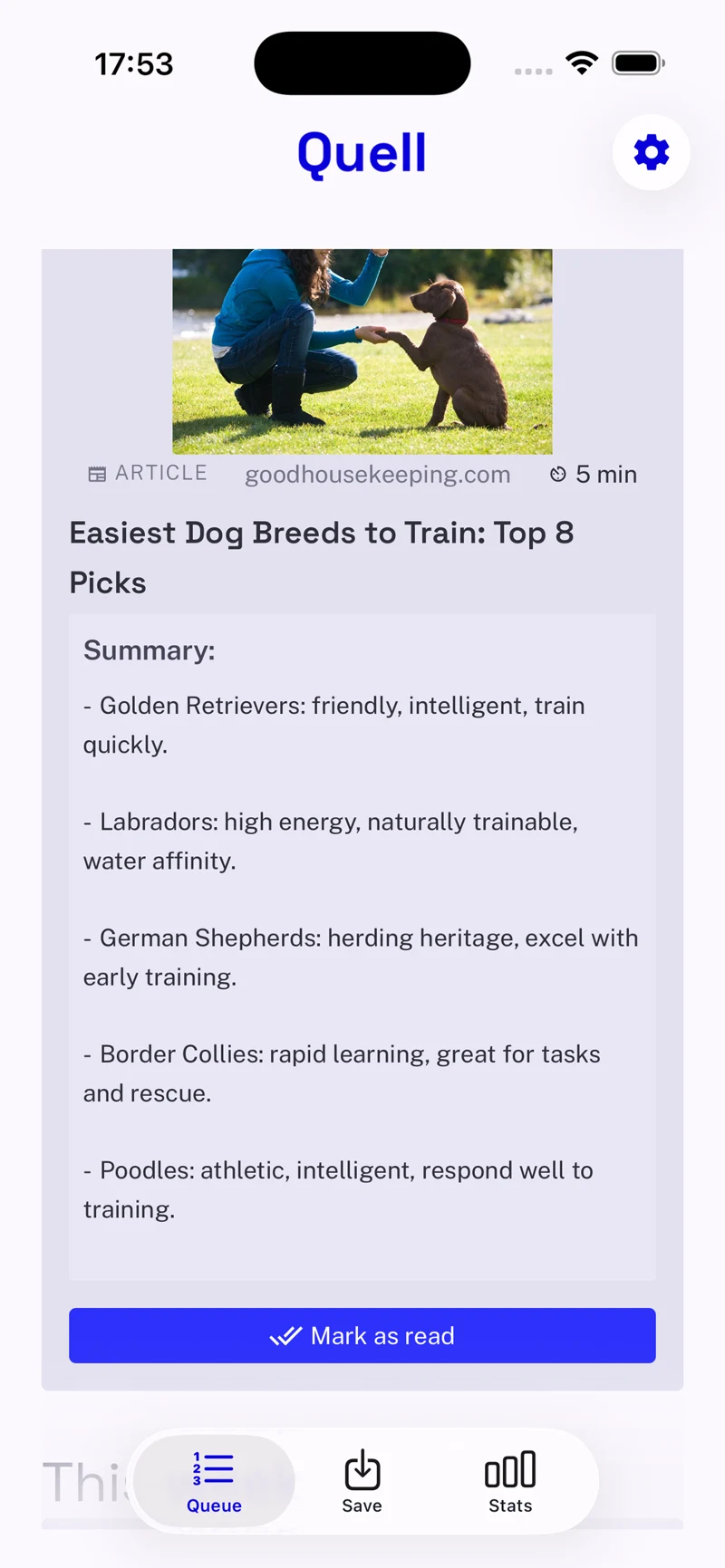
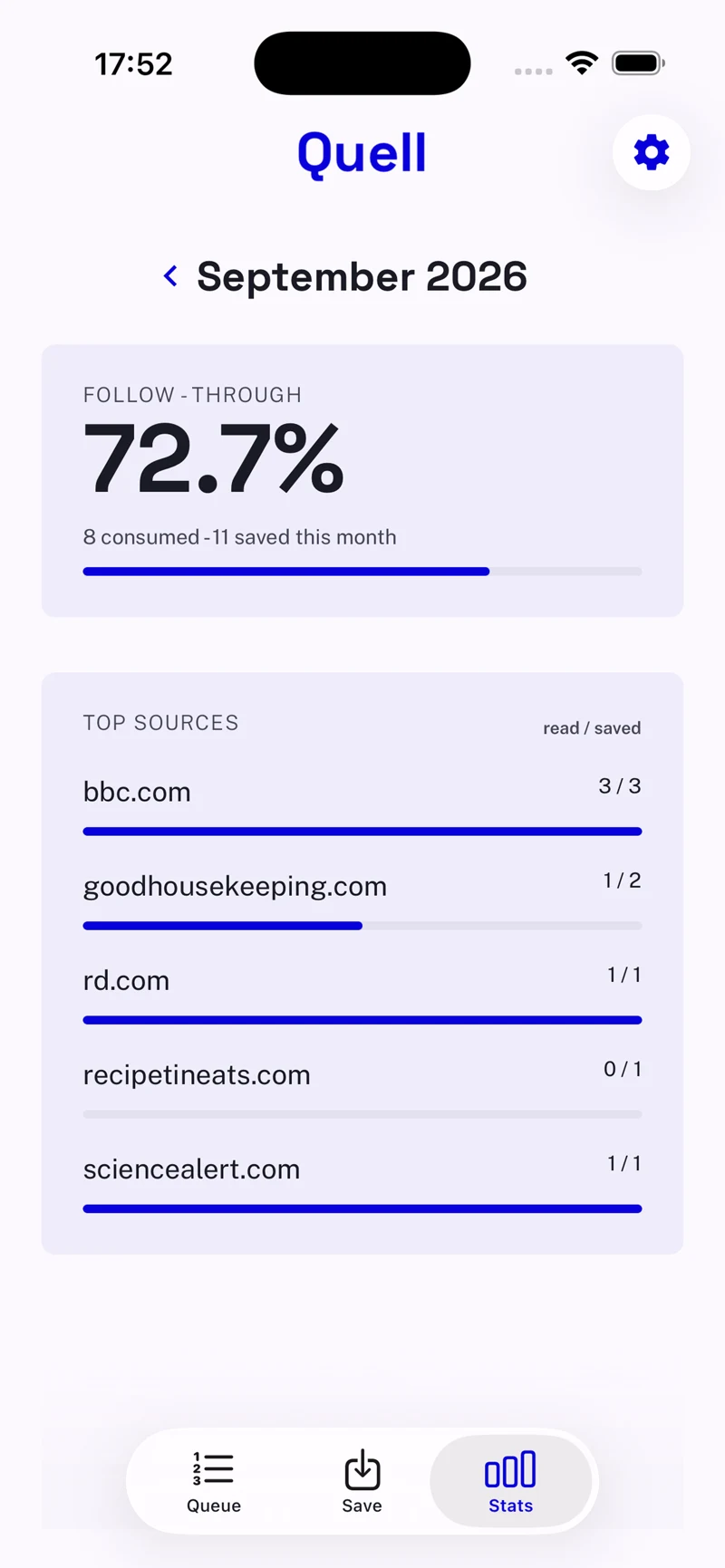
Example activity shown in the app.
The honest part
Each month, Quell shows where your attention went. What you saved, what you read, and what you let go.
Finished items, measured against your intentions.
How long it took to get from saved to done.
The ones that really earn your attention.
No streaks. No badges. No vanity metrics.
I’m Lorand, the developer behind Quell. I built it after getting tired of saving things I never came back to. Quell began with a small personal rule: keep five things worth reading, and finish them before adding more.
A few fair questions
The limit is deliberate. Here’s how it works.
You can still paste a link and see its analysis, but saving is blocked. Finish something or let it expire to make room for something new.
Yes. Choose between 3 and 10 items in Settings. Quell recommends starting with 5 to keep your queue manageable.
They leave your queue automatically and count as expired in your monthly stats. If something still matters, you can deliberately save it again.
No. Completion is always a deliberate tap. Opening something does not mean you read it.
No, deliberately. Importing an entire backlog would recreate the pile Quell helps you leave behind. Start with a few things you actually want to read.
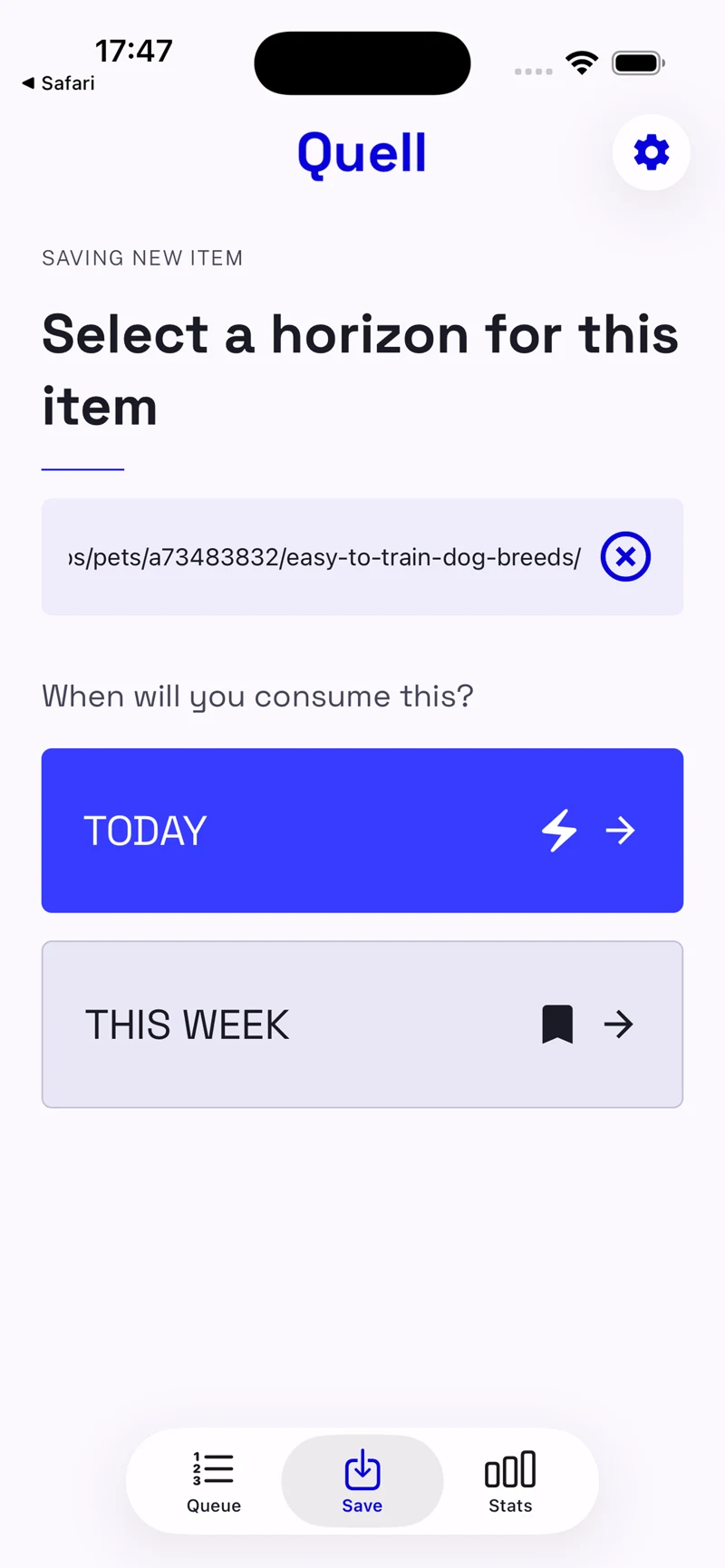
Yes. Use the Share sheet to send a link to Quell, or paste the URL in the app. Your queue limit still applies.

Less saved. More read.
Install Quell, set your ceiling,
and let your queue stay small on purpose.
Free to download. Choose your own limit.
A direct line
Need a hand, spotted a bug, or have an idea? Support, feedback and press questions all land in the same inbox. I read and reply to them myself.
support@quellreads.comStraight to Lorand. No support maze.